The Problem with MFA (and Why You Can't Ditch It)
For most of the last decade, “add MFA” was the closest thing to a silver bullet that cybersecurity had. Multi-factor authentication (the text message, the authenticator app push, the numerical code) gave organizations something passwords alone couldn’t: a second barrier that made account compromises significantly harder.
New Q2 2026 Research from LevelBlue suggests attackers have largely worked around that barrier.
In every business email compromise case, they tracked last quarter where multi-factor authentication was in place, attackers bypassed it. That finding is worth taking seriously — but not for the reason most headlines imply. MFA isn’t dead. The takeaway is more specific, and more useful.
How MFA Is Being Bypassed
The attacks aren’t cracking your second factor. They’re routing around it entirely.
When you log in successfully (password entered, authenticator push confirmed), the application issues a session token. That token is the system’s way of saying “this person already proved who they are.” It travels with you through the session, allowing access to email, files, and systems without requiring re-authentication for every click.
What attackers are stealing now is the token, not the credentials. They don’t need your password or your MFA code. They wait until you’ve successfully authenticated, and then they take the session itself.
The token theft technique explained
Think of it like getting your hotel keycard. You showed ID at check-in, the process worked, your room is unlocked, and then someone swipes the keycard out of your jacket pocket before you reach the elevator. The front desk did everything right and the authentication worked. The card still ended up somewhere it shouldn’t.
The report specifically flagged attackers stealing the session credentials issued after a successful login — not the passwords used to get in, but the access those passwords unlocked. Business email compromise accounted for 45% of all incidents in their Q2 data, and this is where that technique is being applied most aggressively.
What This Means for Your Organization
A few things worth clarifying before drawing the wrong conclusions.
The stat deserves a closer read first. The report found MFA bypassed in every BEC case where it was in place, but that only covers cases that reached the BEC stage. We don’t know how many attacks were stopped earlier because MFA was in the way and never made it that far. The data captures successful bypasses; it doesn’t capture prevented attempts. An unlocked door is still better than no door at all.
Credential-stuffing attacks, where attackers buy large lists of stolen username-and-password combinations and simply try them, are still a common occurrence. They work far less often against MFA-protected accounts than against password-only ones. The bypass methods in the data require more effort, more targeting, and more sophistication than a bulk credential attack.
What the research tells us isn’t that MFA has stopped working. It’s that attackers are getting more effective at bypassing individual controls, and MFA alone isn’t enough to prevent compromise on its own. It was never designed to be the whole answer. The problem is that a lot of organizations have been treating it that way: check the MFA box, move on, consider the account-takeover risk managed.
That framing has always been incomplete. The Q2 data makes it harder to sustain.
What Actually Helps
Phishing-resistant authentication: the next step
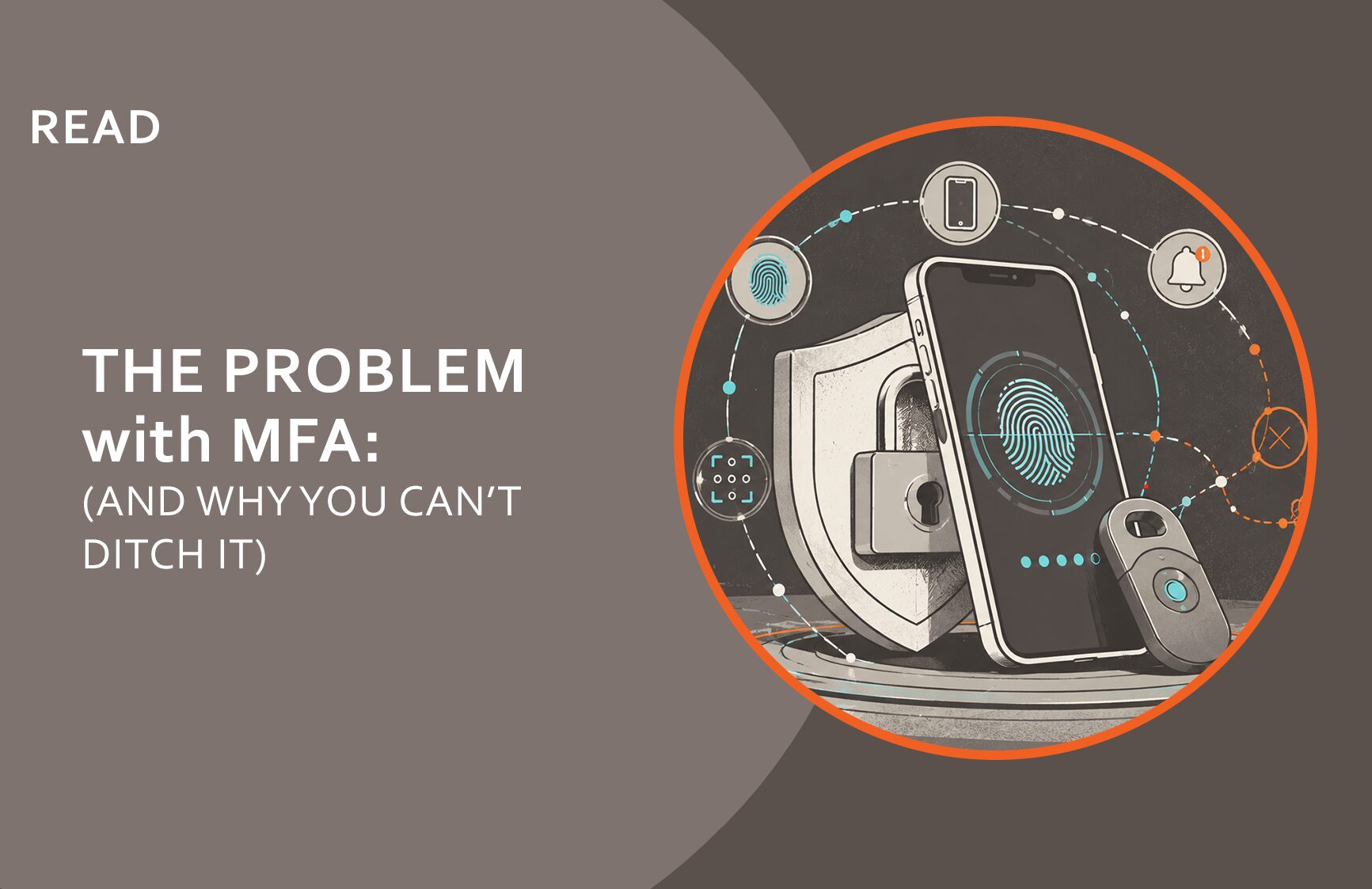
There are stronger login methods than what most organizations are using, ones where the verification is tied to the real website you’re on, so a fake page can’t intercept it. Hardware security keys (small devices you plug in or tap) and passkeys (the fingerprint or face login on modern phones and laptops) work this way. Getting these on your most important accounts is the right direction: executive email, admin access, financial systems.
Most email and identity platforms also have unusual login monitoring built in, including alerts when someone logs in from a new location, an unrecognized device, or at an unusual hour. It’s frequently available but not turned on.
And cybersecurity Awareness Training and Phishing Testing need an update. The “don’t click phishing links” message is still true, but it’s no longer enough on its own. Creating a ‘Culture of Security’, where employees recognize fake login pages that look real and understand that a wave of approval requests they didn’t initiate is a red flag, not an inconvenience to tap through, make the biggest difference in how protected you are as an organization.
The Compliance Reality
Here’s the piece that doesn’t move based on the research, or anyone else’s: MFA is still required across every major compliance framework and cyber insurance underwriting standard in active use.
MFA is required under NYSDFS Part 500, NIST 800-171 and CMMC, the proposed HIPAA Security Rule update, and PCI DSS v4.0. Most cyber insurance carriers treat it as a baseline underwriting requirement, and coverage disputes where MFA absence contributed to a claim have been documented.
Frameworks don’t update quarterly to reflect emerging research. The requirement will be there at your next examination, your next renewal, and your next audit. We’ve been saying this directly to customers: the reality of how MFA is being bypassed in certain attack scenarios does not change the requirements in the frameworks your organization is assessed against. Removing MFA because it’s insufficient doesn’t help — it creates a compliance gap on top of a security one.
If you’ve been following our coverage of NYSDFS Part 500, CMMC, or Cyber Insurance Renewals, you already know MFA shows up in all of them. Nothing in the data changes that.
A Note on How Security Controls Work
This pattern deserves a moment of reflection, because it’s not unique to MFA and it will happen again.
Security controls are invented to close known attack paths. Passwords were the original authentication standard; credential theft happened at scale, so a second factor was added. Now certain second factors are being bypassed in targeted attacks, and phishing-resistant authentication is the evolution responding to that. The cycle played out the same way with antivirus software, with perimeter firewalls, with every point-in-time tool that became the standard answer to a specific threat.
This doesn’t mean controls are worthless. It means every control has a realistic lifespan against the techniques it was designed to stop. Organizations that understand this build programs designed to adapt: they watch where attacks are moving, update controls when the evidence says to, and document that process. Organizations that treat any single control as the final answer get surprised when that control is circumvented.
The cycle has a practical implication: if attackers are successfully adapting to MFA at scale, the same pressure is already building against the controls that come next. Today’s emerging best practice becomes tomorrow’s underwriting requirement or compliance mandate. Organizations that aren’t moving toward the next generation of controls are already falling behind the curve again.
For smaller businesses, this re-enforces what we’ve always framed what “good cybersecurity” actually looks like. It’s not about having every control in its most advanced form at all times. It’s about having a program that tracks how threats evolve and adapts accordingly. The organizations that handle incidents best aren’t the ones who had perfect controls. They’re the ones who had real programs.
The Bottom Line
MFA is being bypassed in sophisticated attacks. Deploy it anyway, because credential-stuffing at scale is still common, frameworks still require it, and insurers still ask for it. Starting from zero is worse than starting from a bypassed control.
MFA is just one part of a comprehensive cybersecurity program designed to protect your business mission. Want to learn more? Contact Us
Frequently asked questions
Should I remove MFA since attackers are bypassing it?
No. Removing MFA would make things significantly worse. The vast majority of account-takeover attempts — credential-stuffing attacks where criminals try stolen passwords at scale — still fail against MFA-protected accounts. Removing it also creates immediate compliance problems: NYSDFS, CMMC, HIPAA, PCI DSS, and most cyber insurance underwriting standards all require it. The answer isn't to remove it; it's to build on top of it.
If my team uses MFA, how are attackers still getting in?
They're not breaking your MFA — they're waiting until after you log in successfully. When you authenticate, your system issues a temporary session token that lets you keep working without logging in again. Attackers are stealing that token, not your credentials. Think of it like a hotel keycard: you showed ID at check-in and everything worked, and then someone lifted the keycard from your pocket before you got to your room.
What do I need beyond MFA to protect my business?
MFA is one control inside what should be a real cybersecurity program. The organizations that handle incidents best have built a Culture of Security where the whole team understands the threats and knows what to do when something looks wrong. In practice that means a cybersecurity plan, a documented and practiced incident response plan, and Security Awareness Training and Phishing Testing that reflects how attacks actually work today. Technical controls — stronger login methods, unusual login monitoring — layer on top of that foundation.
Which compliance frameworks require MFA?
NYSDFS Part 500, NIST 800-171 and CMMC Level 2, the proposed HIPAA Security Rule update, PCI DSS v4.0, and SOC 2 all include MFA requirements or strong guidance toward it. Most cyber insurance carriers also treat MFA as a baseline underwriting requirement; its absence has been cited in coverage disputes when claims were filed.
What is the difference between MFA fatigue and token theft?
MFA fatigue is when attackers flood someone with login approval requests until they tap 'yes' just to make it stop — exploiting the second factor directly. Token theft happens after a real, successful login, when attackers steal the access your system issued post-authentication. Both are real attack patterns, and both reinforce why MFA alone isn't the complete answer.
How do I know if my MFA is phishing-resistant?
If your team uses text message codes or push notification approvals, that's standard MFA — effective against most attacks, but interceptable in targeted ones. Hardware keys (small physical devices you plug in or tap) and passkeys (the fingerprint or face login on your phone or laptop) are phishing-resistant because they only work on the real, legitimate site. If you're not sure what your organization is using, that's worth finding out before your next renewal or examination.