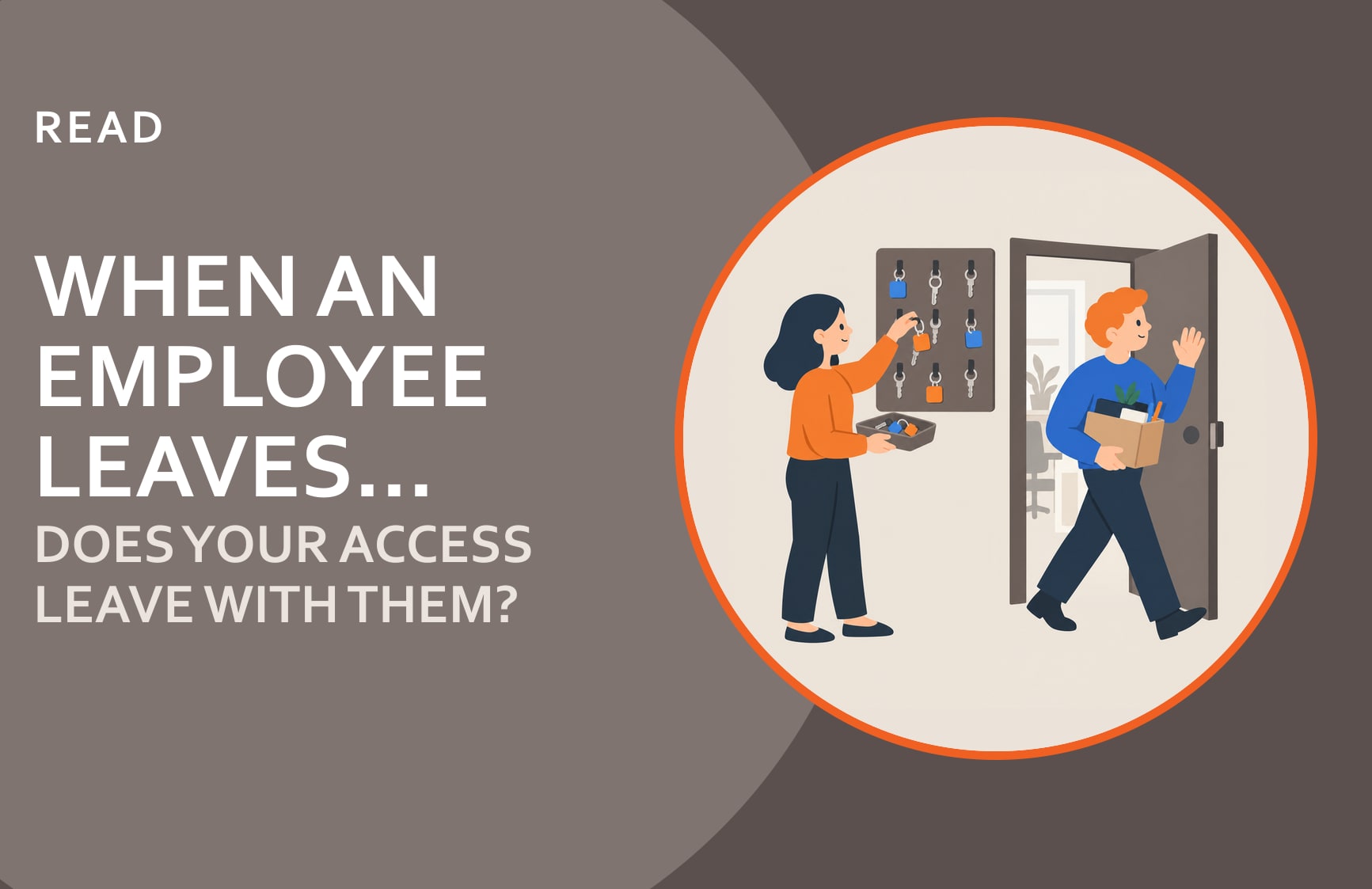
When an Employee Leaves, Does Your Access Leave With Them?
Most small businesses have an offboarding checklist. Collect the laptop. Return the badge. Forward the email. Sit down for an exit interview. Sign the paperwork.
That checklist treats departure as an HR event. It is one, but it’s just as much a security event, and most small businesses only run half the process.
What Does the Standard Offboarding Checklist Miss?
When someone joins your organization today, they get access to more systems than most business owners realize. A typical small business employee might have active credentials across email, file storage, a project management tool, a CRM, an accounting platform, a communications app, a video conferencing account, a payroll system, shared password vaults, and any number of industry-specific tools. Each one was provisioned when they started, often by different people, across different systems, without a central record.
When that employee leaves, disabling their email account removes one access point. It doesn’t touch the other fifteen.
This isn’t a hypothetical problem. Orphaned accounts (credentials that remain active after a person has left) are one of the most consistent findings in security reviews of smaller organizations. They accumulate quietly. Each new SaaS subscription adds another one, and nobody goes back to audit the ones created two years ago for a contractor who finished their engagement and moved on.
Who Actually Uses an Account Nobody Closed?
When people imagine the risk of active credentials after someone leaves, they picture a disgruntled former employee logging in to cause damage. That happens, but it’s not the most common scenario. As we found writing about Insider Threat, most of it isn’t sabotage at all. It’s access nobody revoked.
More often, the risk is indirect. A former employee’s personal email gets compromised six months after they leave, and the attacker finds saved passwords for systems that are still active. Or a contractor shares credentials with a colleague, and those credentials outlive the engagement by years. Or a departed employee’s account sits idle long enough that nobody notices when unusual login activity starts.
The accounts that cause problems aren’t always the ones that belong to people who meant harm. They’re the ones that were never closed.
What Does a Real Offboarding Process Look Like?
The fix isn’t technically complex. It’s a coordination problem between HR, whoever runs your IT, and whoever manages your business applications.
A few things separate organizations that handle this well from those that don’t:
HR triggers the process, but doesn’t own it alone. When someone gives notice or is let go, that needs to reach whoever runs your IT immediately. Not after the last day. Ideally, access revocation begins before the departure date, or within hours of it. The longer the gap between “last day” and “access disabled,” the larger the window of exposure.
The checklist covers every system, not just the obvious ones. This requires someone to keep an inventory of which systems each role has access to. It doesn’t need to be elaborate: a shared document updated when access is granted works fine. What doesn’t work is trying to reconstruct the list from memory after someone leaves.
Shared accounts get rotated, not just individual ones. If a departing employee had access to a shared inbox, a shared admin account, or a password vault, those credentials need to change, not just the individual account. Shared access is where offboarding gaps are hardest to see and easiest to overlook.
The process is documented and tested. Organizations that do this well have written it down: who is responsible, what the steps are, what the timeline is. A process that lives in one person’s head isn’t a process. It’s a dependency. And like any security control, it’s worth testing periodically to confirm it actually runs the way it’s supposed to.
What Should an Employee Offboarding Checklist Include?
- Notify whoever runs your IT the day notice is given, or before the conversation, for a termination.
- Pull the person’s access list: every system, not just email and the laptop.
- Disable sign-in and end active sessions on or before the last day. Changing a password alone can leave a signed-in session running, the same gap we covered in The Problem with MFA.
- Remove them from tools set up outside IT: the CRM, marketing platforms, project management and industry-specific software.
- Rotate shared passwords, shared inboxes and any admin account they could use.
- Recover company devices, and remove their phone as a sign-in method for company accounts.
- Transfer ownership of files, mailboxes and any subscriptions or vendor accounts in their name.
- Record what was closed and when, then check again 30 days later.
Contractors and vendors get the same list when an engagement ends. Their access is usually granted more casually than an employee’s, which is exactly why it lingers; Managing Third-Party Risk covers the rest of that relationship.
Why HR’s Role Is Bigger Than Most People Think
HR is usually the first to know someone is leaving, often before IT, often before the person’s direct manager has said anything to the broader team. That timing advantage is significant, and most organizations don’t use it.
When HR is looped into cybersecurity across the full employee lifecycle, from onboarding to role changes to terminations, the whole access picture gets sharper. HR knows who has what role. HR knows when someone is moving between departments and may need different access. HR knows, sometimes weeks in advance, when a termination is coming that will need to be handled carefully and quickly.
The organizations that handle offboarding well almost always have a strong working relationship between HR and IT. Not because they built an elaborate system, but because someone in leadership decided HR should be on the same page as IT when people come and go. That conversation starts at the beginning of employment, and it makes the end much cleaner. Your HR Team Is a Cybersecurity Asset makes the broader case; offboarding is one piece of that picture.
Is Offboarding a Governance Question or an IT Question?
Governance. Whoever runs your IT, in house or outsourced, handles the technical execution: disabling accounts, rotating credentials, removing device access. But who owns the process, what triggers it, and how it gets audited are cybersecurity strategy questions.
Small businesses with a well-functioning offboarding process didn’t get there because their IT provider was especially thorough. They got there because someone made it a deliberate part of how the organization operates. It’s documented. It’s owned. It runs every time, not just when someone remembers.
If you’re not sure whether your current offboarding process closes all the right doors, the Cybersecurity Readiness Checklist includes a look at your access management and governance controls, including what happens when someone leaves.
Frequently asked questions
How quickly should access be revoked when an employee leaves?
As close to the departure date as possible: ideally the same day, and for sensitive roles, before the last day. The window between the last day worked and access being disabled is when risk is highest. A documented process with a clear timeline removes the guesswork.
What accounts are most commonly missed during offboarding?
Software-as-a-service tools set up outside of IT: project management, marketing platforms, CRMs and industry-specific tools. Also shared accounts and password vaults, where one person's access isn't tracked separately from the group's.
Is disabling an employee's email enough when they leave?
No. Email is one access point out of many. A typical employee also has accounts in file storage, a CRM, accounting, payroll, communication tools and shared password vaults, and each one has to be closed separately. Active sessions should be revoked too, because a disabled password does not always end a session that is already signed in.
Does offboarding apply to contractors and vendors, not just full-time employees?
Yes. Contractor access is often granted informally and removed even less consistently than employee access. Any time an external person's engagement ends, the same revocation process should run.