7 Warning Signs an Email Is Phishing
Phishing emails have gotten better. The obvious ones, with broken English and implausible stories, are mostly caught by spam filters now. The ones landing in inboxes today are personalized, well written, and timed to arrive when you’re least likely to slow down.
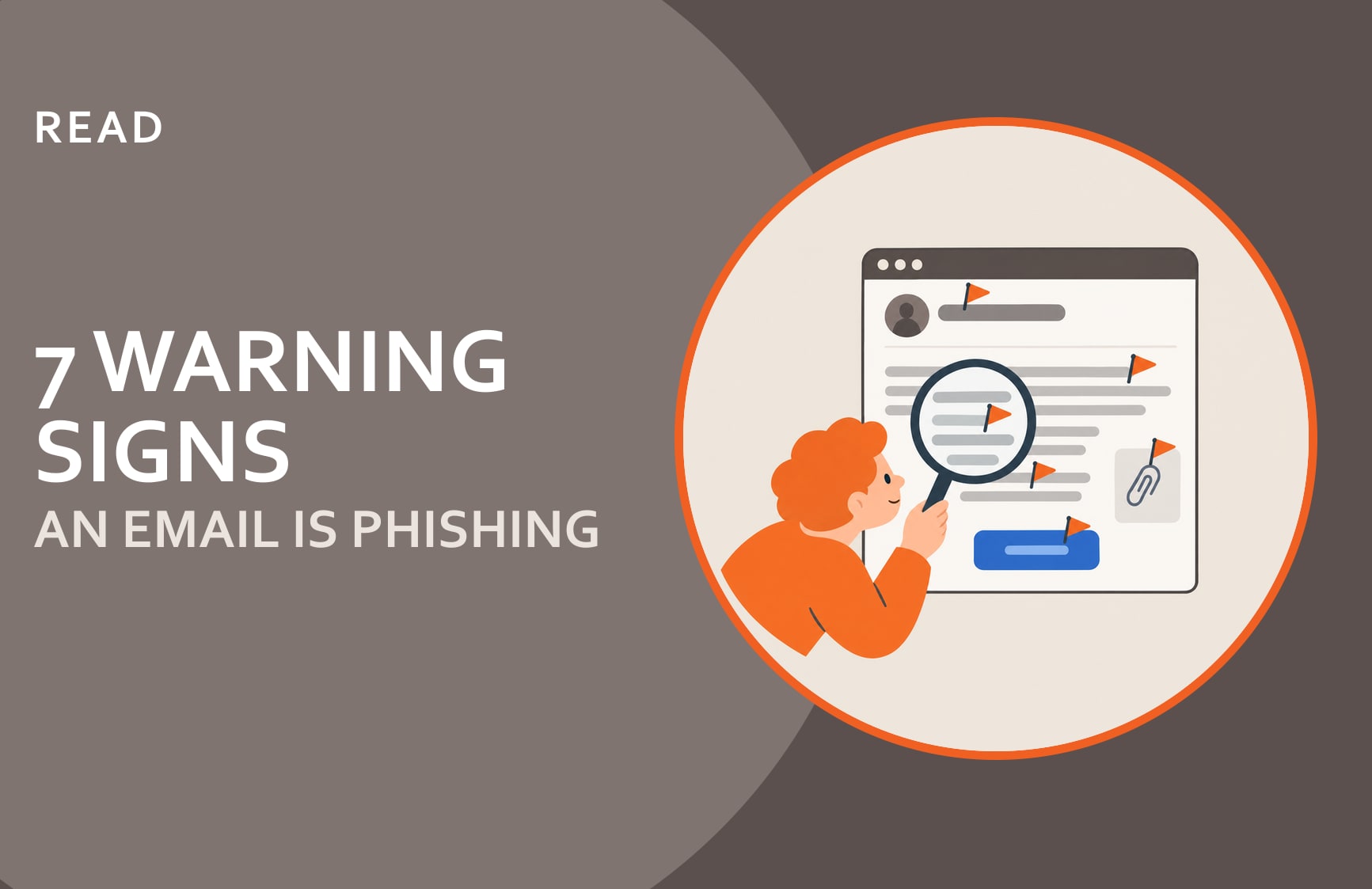
Knowing what to look for isn’t a complete defense, but it’s a place to start. The seven warning signs below are: urgency out of nowhere, a sender address that doesn’t quite match, payment instructions changing by email, a login prompt you didn’t ask for, an attachment you weren’t expecting, a request to skip normal process, and contact details that differ from what you have on file.
1. The Email Creates Urgency Out of Nowhere
“Respond before end of day.” “Your account will be suspended in 24 hours.” “My boss needs this immediately.” Urgency is the most reliable phishing ingredient because it works: it gets people acting before they’re thinking. A request that needs an answer right now is worth slowing down for, not speeding up.
2. The Sender’s Email Address Doesn’t Quite Match
The display name might say your bank or your CEO, but the actual sending address tells a different story. Look for swapped characters (paypa1.com), extra words (vendor-invoices@your-supplier-billing.com), or a domain that’s close but not right. Attackers spend real time registering lookalike domains for exactly this reason.
3. Payment Instructions Are Changing by Email
Any request to update banking details, routing numbers, or payment recipients, arriving by email from any source, should trigger a verification call using a number you already have on file. Not a number in the email. Business Email Compromise depends on this step going unchecked.
4. There’s a Login Prompt You Didn’t Ask For
An email telling you to verify your credentials, confirm your account, or sign in to resolve an issue is almost always phishing. Legitimate services don’t ask you to log in through an email link. If something seems wrong with your account, go there directly.
5. The Attachment Wasn’t Expected
An invoice from a vendor you work with, a contract from a colleague, a document that needs your signature: all normal. All also common phishing vehicles when you weren’t expecting them. An unexpected attachment, especially a password-protected one (“use the password in the email to open”), is worth confirming before opening.
6. The Request Asks You to Skip Normal Process
“Don’t put this through the usual approval.” “Keep this between us for now.” “My assistant is out, can you handle this directly?” When a request comes with instructions to bypass the steps that would normally catch a mistake, that’s not a coincidence.
7. The Contact Information Differs From What You Have on File
A phone number that’s different from the one in your contacts. A reply-to address that doesn’t match the sender. A new point of contact for an existing relationship. Each of these is a sign that something may have changed, or that someone is trying to step into the conversation.
What to Do When Something Looks Off
Report it. Most organizations have a way to flag suspicious emails, and using it, even if the email turns out to be legitimate, is always the right call. A false alarm is not a problem. An unreported click is.
If you’d like a way to remember the checks, our GAUGES Method packs six of them into one word. And if you’re wondering why people who know every one of these signs still click, That’s a Different Problem, and training alone doesn’t solve it.
The Cybersecurity Readiness Checklist includes a look at how your team handles human risk, including whether your people know what to do when something lands in their inbox that doesn’t feel right.
Frequently asked questions
What are the warning signs of a phishing email?
Seven signs worth pausing for: urgency out of nowhere, a sender address that doesn't quite match, payment instructions changing by email, a login prompt you didn't ask for, an attachment you weren't expecting, a request to skip normal process, and contact details that differ from what you have on file.
What should I do if I already clicked a phishing link?
Act quickly. Disconnect from your network if you can, change the password for any account the link may have accessed, and tell whoever handles your IT or security straight away, even if you're not sure anything happened. Speed of reporting is the biggest factor in how contained the damage stays, and most incidents can be stopped early if someone knows about them.
Can a phishing email come from someone I already know?
Yes. Attackers can spoof a display name so it shows a colleague's name while routing replies to a different address. More seriously, if a contact's email account has been compromised, real messages from their real address may be phishing. When a request seems unusual, even from someone you trust, verify it through a different channel before acting.