
10 Incident Response Scenarios Every Small Business Should Test Before 2027

Most smaller businesses have some version of an incident response plan: a document on a shared drive, a general understanding of who calls whom if something goes wrong, or just the IT vendor’s number saved in someone’s phone.
None of that is the same as having worked through what actually happens when an incident unfolds, under real pressure, with people who aren’t sure what their role is or what authority they have.
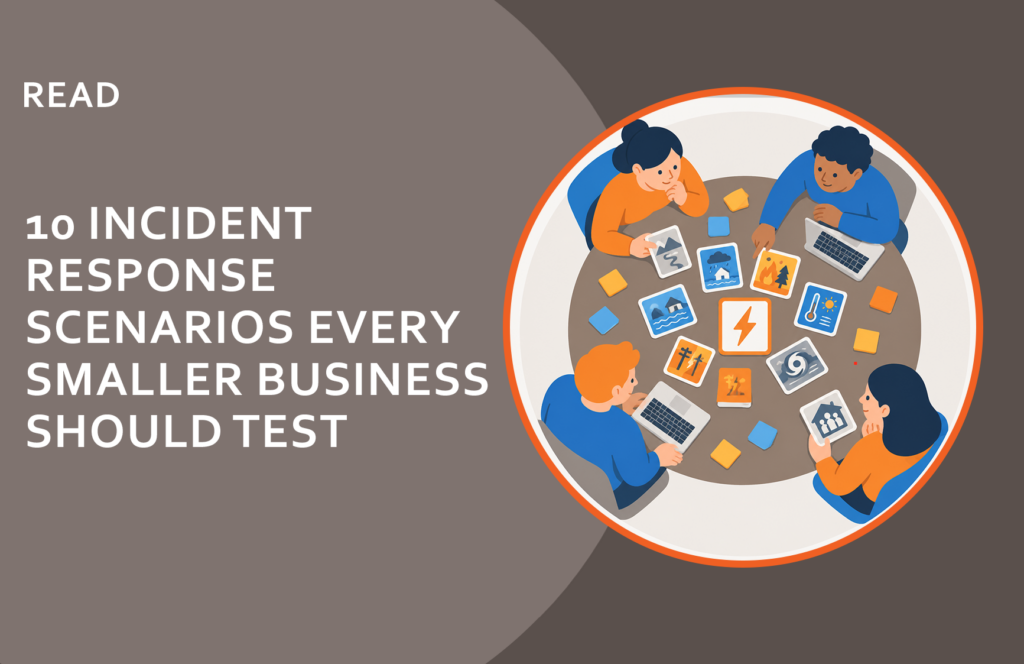
A tabletop exercise is a structured conversation. You pick a scenario, your team walks through it step by step, and find out where the plan holds and where it doesn’t. Nobody touches any systems. What you get is a clear picture of the gaps you’d rather find in a conference room than during an actual incident.
Running Your First Tabletop
Before you pick a scenario, settle who’s in the room, and push back on the assumption that this is IT’s meeting. IT keeps your systems running; almost none of the decisions in the next hour are theirs to make.
The people most affected by a cybersecurity incident are often in Finance, HR, Customer Success, and Operations, and they’re routinely the last ones included. Who decides whether to pay a ransom? Probably Finance or the C-suite. Who talks to customers after a breach? Customer Success. Who handles the departing employee who just downloaded your client list? HR. Getting those functions in the room before something happens is what turns a response plan from a document into something your whole organization can actually execute.
A tabletop will also expose something most teams don’t realize they’re missing: actual knowledge of their notification obligations. State breach notification laws, HIPAA, NYSDFS, customer contracts, and vendor agreements often require notification within strict windows, sometimes as short as 72 hours from discovery. The clock starts when you know something happened, not when you’ve fully sorted out what. Running that question through a scenario, with the people who actually own the answer in the room, is one of the most practical things a tabletop can do.
You can run one yourself. One scenario, 60 to 90 minutes — that’s enough to find something worth fixing. Organizations that work through several scenarios with a cybersecurity team experienced in Incident Response tend to come out with something more: an outside perspective on the gaps you’ve normalized, and a shared team alignment that’s genuinely hard to generate when the facilitator is also a participant. A half-day facilitated session covers more ground and gets everyone bought in on the same picture of where things actually stand, which in practice turns out to be most of the work.
Pick a scenario — start with whichever one makes your stomach drop a little. Walk through it slowly. When someone says “I’d call so-and-so,” ask for the phone number. When someone says “we have a process for that,” ask to see it.
You’ll find something. That’s the point.
Here are ten scenarios worth running through before 2027.
1. Ransomware via Phishing
An employee gets an email that looks like a vendor invoice. They open the attachment. Within minutes, files on their computer start encrypting, and the encryption spreads to shared drives. A ransom note appears on screen.
Work through: Who finds out first, and how does the information flow from there? Who has authority to take systems offline? Where are your backups, and when did you last test restoring from them? Who notifies leadership, and when does legal counsel get involved?
What catches most organizations: the assumption that “taking systems offline” is a simple decision. It usually requires someone with authority who isn’t in the room when it happens, and the delay costs time the attacker is also using.
2. Business Email Compromise: Wire Fraud
Someone on your finance team receives an email that appears to be from the CEO, requesting an urgent wire transfer to a new vendor account. The email address looks right. The request sounds plausible. The transfer happens before anyone verifies it.
The FBI’s 2025 IC3 report logged $3.05 billion in BEC losses, averaging $137,000 per incident. For a smaller business, that’s not a line item. That’s an existential event.
Work through: What’s your verification process for any wire transfer request over a threshold amount? Is that process documented, and does finance actually know it? How quickly can a wire be recalled if something seems wrong? Who has authority to stop a transfer in progress?
What catches most organizations: there is no verification process. Or there is one, but social pressure from a “CEO” email bypasses it.
3. Vendor or Third-Party Breach
You get a call from your IT vendor or MSP: they’ve had a security incident and they’re not sure yet what systems were accessed. Some of their clients’ environments may have been affected. Yours might be one of them.
Third-party breaches are now one of the most common entry points into smaller businesses, because attackers get access to many organizations at once by compromising a single vendor.
Work through: How quickly can you determine what access your IT vendor has to your systems, and revoke it if needed? Do you have a list of every third-party tool or vendor with access to your network? What does “we’re not sure yet” mean for your operations while you wait for answers?
What catches most organizations: they don’t have a clear inventory of who has access to what, which means they can’t isolate the exposure without guessing.
4. Credential Theft and Quiet Account Takeover
A data breach at a service your employee uses elsewhere — a personal account with the same password as their work email — puts their credentials on the dark web. An attacker buys them and quietly logs into your systems. Nothing crashes. Nothing encrypts. They’ve been inside for three weeks before anyone notices unusual activity.
Work through: How would you know if someone was inside your systems without making noise? What monitoring do you have for unusual login activity: off-hours access, logins from unfamiliar locations, large file downloads? If credentials are suspected compromised, what’s the process for resetting access across all connected systems?
What catches most organizations: detection. Most small businesses would not notice quiet access for weeks or months. The breach often surfaces because the attacker eventually does something visible.
5. Lost or Stolen Device
An employee leaves their laptop in a rideshare on the way home from a conference, or a phone gets stolen at an airport. The device has company email, customer data, and access to cloud systems.
Work through: Can you remotely wipe that device? Who initiates it, and how quickly can it happen? Do you know what data was on it? Is the device encrypted, so that physical possession doesn’t mean data access? Does the employee know what to do in the first 30 minutes?
What catches most organizations: mobile device management either isn’t in place or isn’t applied consistently, so when a device goes missing, the answer to “can we wipe it?” is “we’re not sure.”
6. Accidental Data Exposure
Someone on your team shares a folder link with a client and accidentally sets it to “anyone with the link.” Or a misconfigured cloud storage bucket makes customer data publicly accessible. Nobody intended for it to happen. It’s been that way for two weeks.
Work through: How would you find out this happened: from a customer reporting it, from an internal audit, from a third-party researcher? What’s the notification timeline if customer PII was exposed? Do you know which regulatory obligations kick in based on data type, and how quickly?
What catches most organizations: the notification obligations. Many smaller businesses don’t know that state breach notification laws require disclosure within specific timeframes, regardless of how the exposure happened.
7. Departing Employee Data Theft
An employee gives two weeks’ notice. Three days later, you notice they’ve downloaded several large files to a personal USB drive and emailed a customer list to their personal account. They leave in eleven days.
Work through: What access do departing employees have during their notice period, and does it change? Do you have visibility into large downloads or external file transfers? If data has left the building, what are your options? Is there a standard off-boarding checklist that covers credential revocation?
What catches most organizations: the notice period itself. Most organizations don’t reduce access during the two weeks, which is often when the most data leaves.
8. Vishing: Social Engineering by Phone
Someone calls your front desk or finance team claiming to be from your IT vendor, your bank, or a government agency. They have just enough real information to sound credible: your CEO’s name, a recent transaction, the name of an actual vendor. They ask for a password reset, account access, or a wire transfer confirmation.
Work through: What’s your protocol for verifying the identity of someone who calls in claiming to need access or action? Does your team know that “I’ll hang up and call you back on the number we have on file” is always appropriate? Who are the people most likely to be targeted, and have they been specifically trained on these scenarios?
What catches most organizations: they’ve trained employees on email phishing but not on phone-based social engineering, which is often more convincing and harder to pause on in the moment.
9. Website or Cloud Service Compromise
Your website is defaced, or your hosted systems start behaving strangely. Your e-commerce platform is serving errors. A customer calls to say your contact page is showing strange content. Your cloud hosting dashboard shows logins you don’t recognize.
Work through: Who is the first call: your web host, your IT vendor, or both? Can you take the affected systems offline without losing critical operations? Do you have a way to communicate with customers if your website and email are both affected? What’s the process for verifying the scope of the compromise before bringing systems back online?
What catches most organizations: communication. If email runs through a compromised environment, you can’t use it to coordinate the response.
10. Extortion without Evidence
You get an email claiming that the sender has accessed your systems and stolen sensitive data. They include one or two plausible-sounding details: a filename, a partial data description. They want payment in cryptocurrency within 72 hours or they’ll publish what they have.
No systems are down, no encryption has occurred, and you don’t know if any of this is real.
This is happening with increasing frequency: sometimes it’s a real breach, sometimes it’s a bluff built on publicly available information or data from an unrelated prior breach. Your response needs to work either way.
Work through: Who makes the call on whether to investigate, pay, or ignore? What does a rapid internal assessment look like: can you quickly determine if the claimed access is plausible? Does legal counsel get involved before any response goes out? If it’s a bluff, how do you respond without confirming information the attacker doesn’t actually have?
What catches most organizations: the impulse to respond immediately, either by paying or by firing back. Both move faster than the investigation warrants.
If you’d like to run a facilitated Incident Response Tabletop session with an experienced cybersecurity team, we’d welcome the conversation. Reach Out and Connect With Us.
Frequently asked Questions
What is an incident response tabletop exercise?
A tabletop exercise is a structured discussion where your team walks through a hypothetical cyberattack scenario step by step — without any systems actually being touched. The goal is to find gaps in your response plan before a real incident exposes them.
How long does an IR tabletop exercise take for a small business?
A single scenario can be worked through in 60 to 90 minutes with the right people in the room. Organizations that want to cover more ground often work with an experienced Incident Response team for a half-day facilitated session, walking through several scenarios and getting the whole team aligned on where gaps exist and what to do about them.
Who should participate in a tabletop exercise?
More people than most organizations expect. Finance decides whether to pay a ransom. Customer Success handles the customer calls. HR manages the departing employee who downloaded your files. Operations owns the vendor relationships. IT is one piece of the picture, not the whole picture. At minimum, include whoever controls finances, whoever communicates with customers or the public, someone from the C-Suite, and whoever makes IT decisions. They are beneficial for everyone in the organization, so don’t feel limited. OrbitalFire often hosts Incident Response Tabletops for customers with 10-25 people in them.
Do you need a written IR plan before running a tabletop?
A basic written plan helps, but it’s not a prerequisite. Some organizations find that running a tabletop without a plan first is actually more useful — it reveals exactly what needs to be documented. The exercise and the plan develop each other.
What’s the difference between a tabletop exercise and a penetration test?
A penetration test is a technical exercise where someone actively tries to break into your systems. A tabletop is a discussion exercise — no systems are touched, no attacks are simulated. Both are valuable, but they answer different questions. A tabletop tests your people and process; a pen test tests your technical controls.

You May Also Like